SPECIFICATIONS
2.4G Wi-Fi Transmission Rate: 300 Mbps
5G Wi-Fi Transmission Rate: None
Antenna Type: Fixed
Application: Home
Brand Name: XUNYOU-LINK
Certification: CE
Choice: yes
Frequency: 2.4 GHz
Frequency Band Class: Single-Band
Function: Firewall,VPN
High-concerned chemical: none
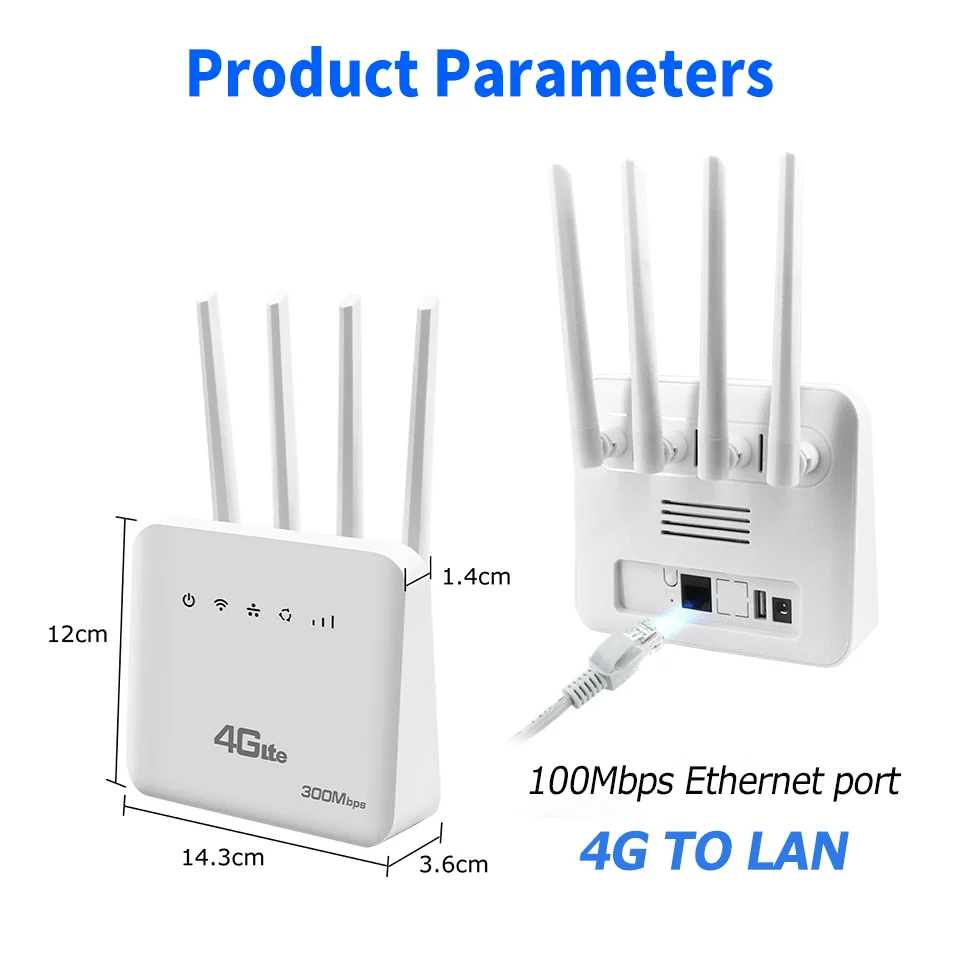
LAN Ports: 1
Max. LAN Data Rate: 300Mbps
Model Name: CLM920
Number of USB Interfaces: 1 x USB
Origin: Mainland China
Package: Yes
Recommended Uses: Home
Standards And Protocols: Wi-Fi 802.11g
Support Mesh: Not Supported
Supports WDS: No
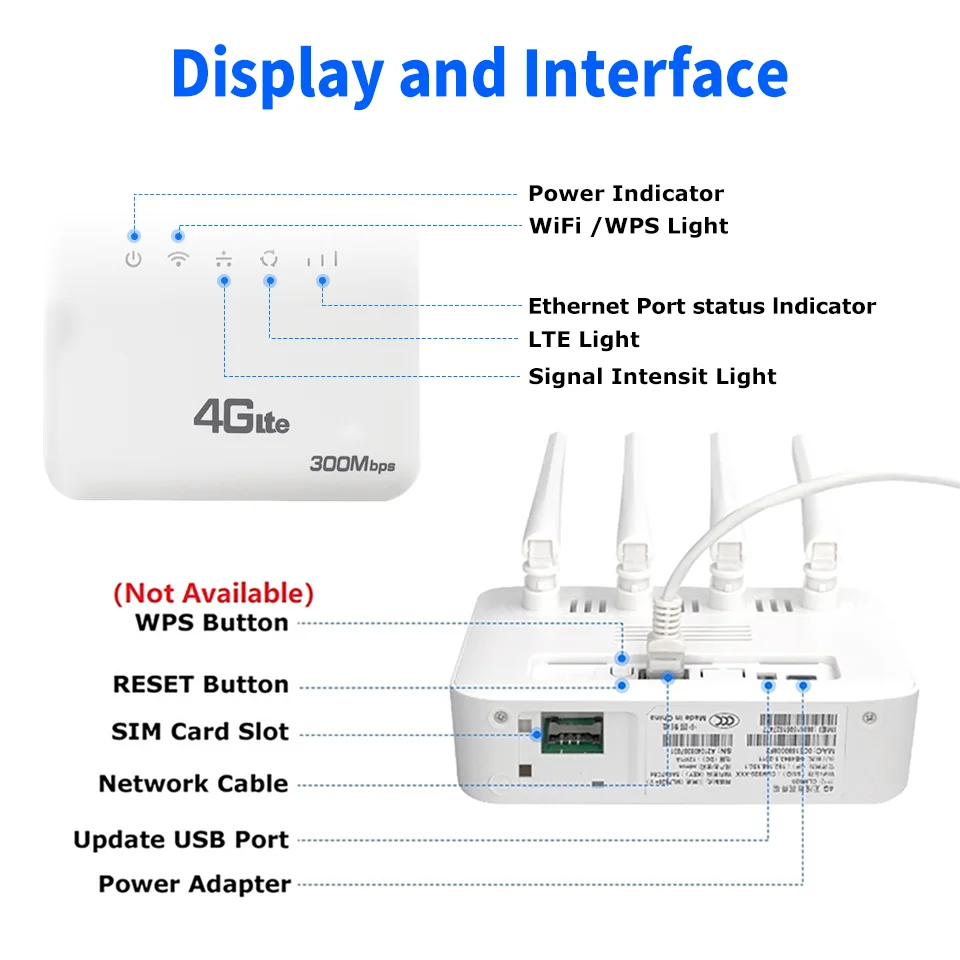
Supports WPS: No
Telecomcableconnected: Yes
Type: WireLess
WAN Ports: 1 x10/100Mbps
Wi-Fi Supported Frequency: 2.4G
Wired Transfer Rate: 10/100Mbps
Wireless Communication Standard: 802.11.ax
Wireless transmission rate: 300m
With Modem Function: Yes
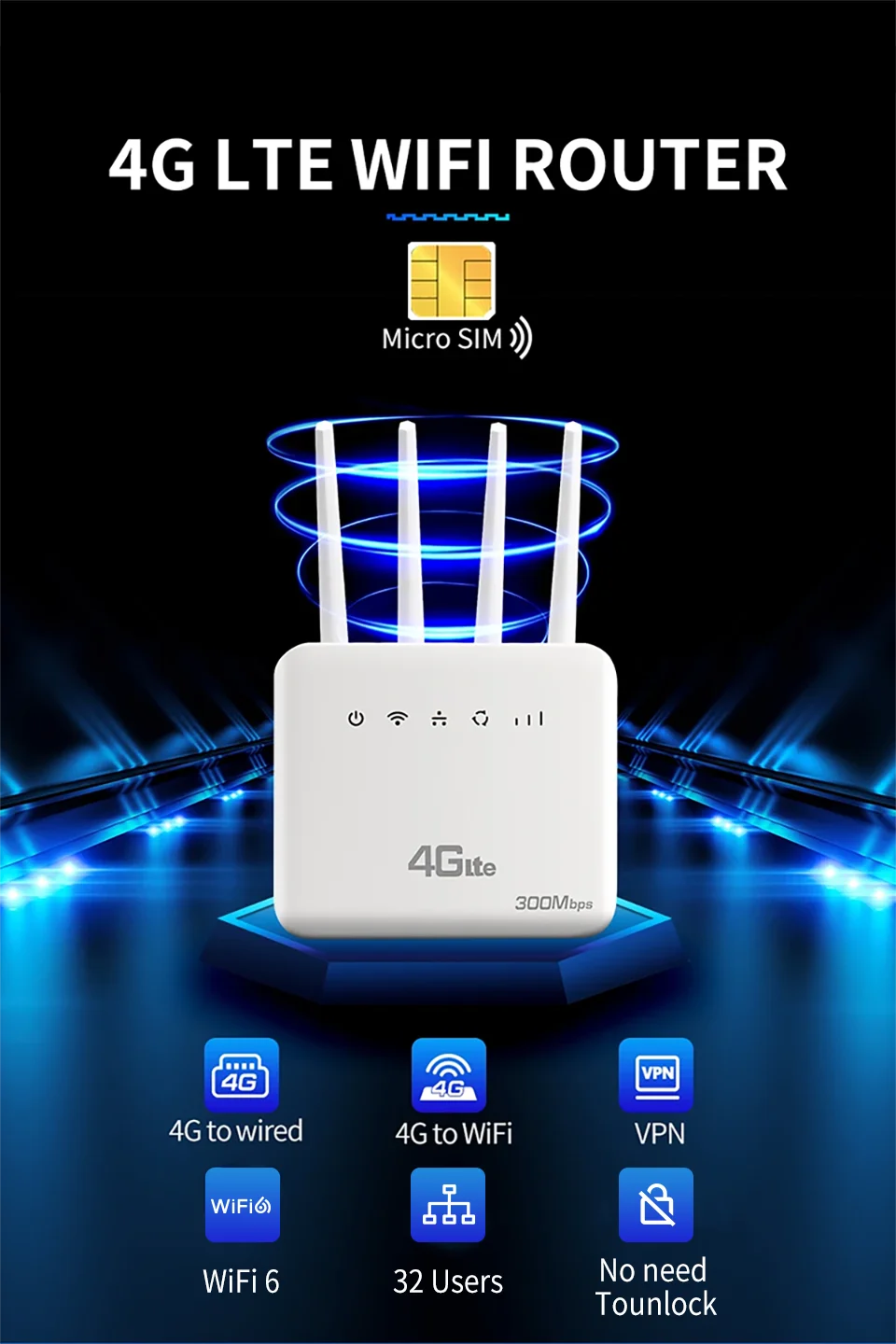
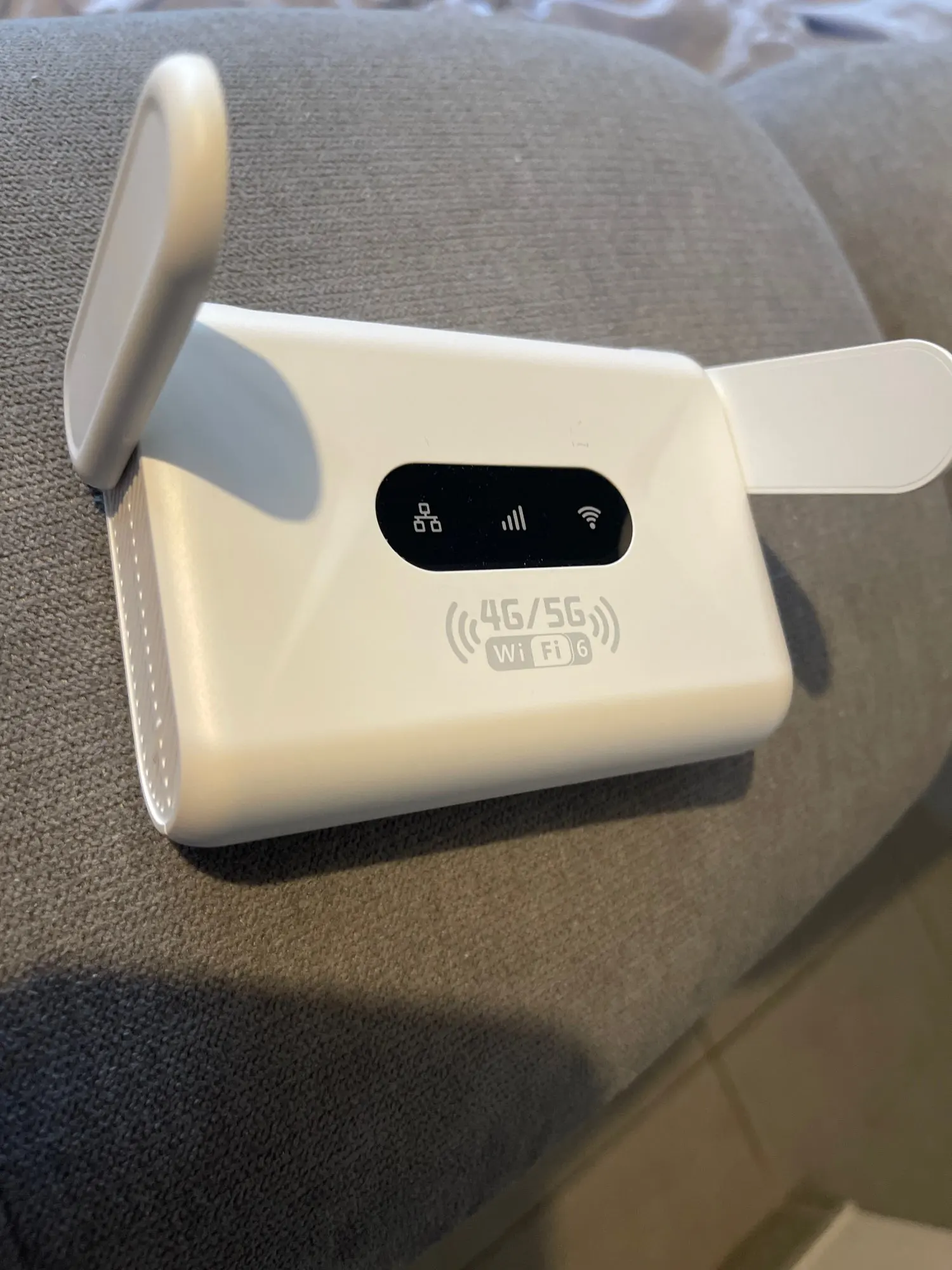
XUNYOU-LINK 4G LTE WiFi Router WiFi 6 300Mbps SIM Modem Wireless WiFi Modem Support 32 Device WIFI Router for Asia Africa Europe
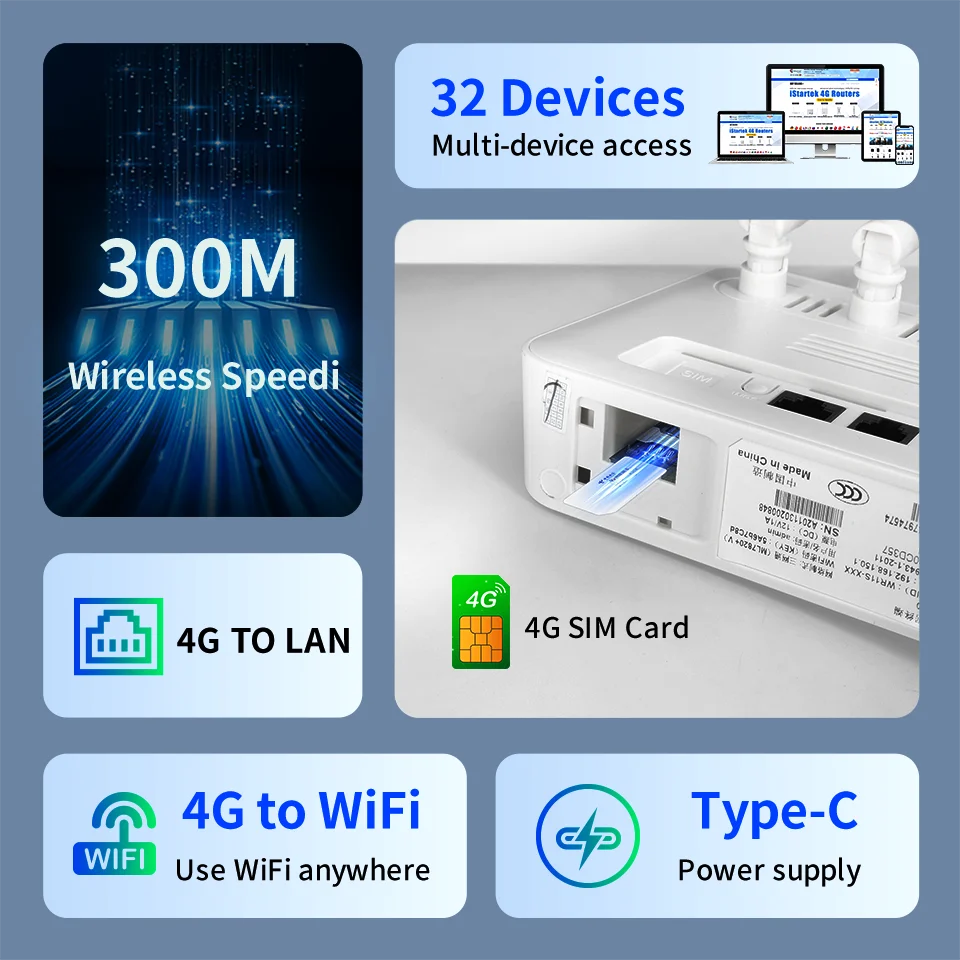
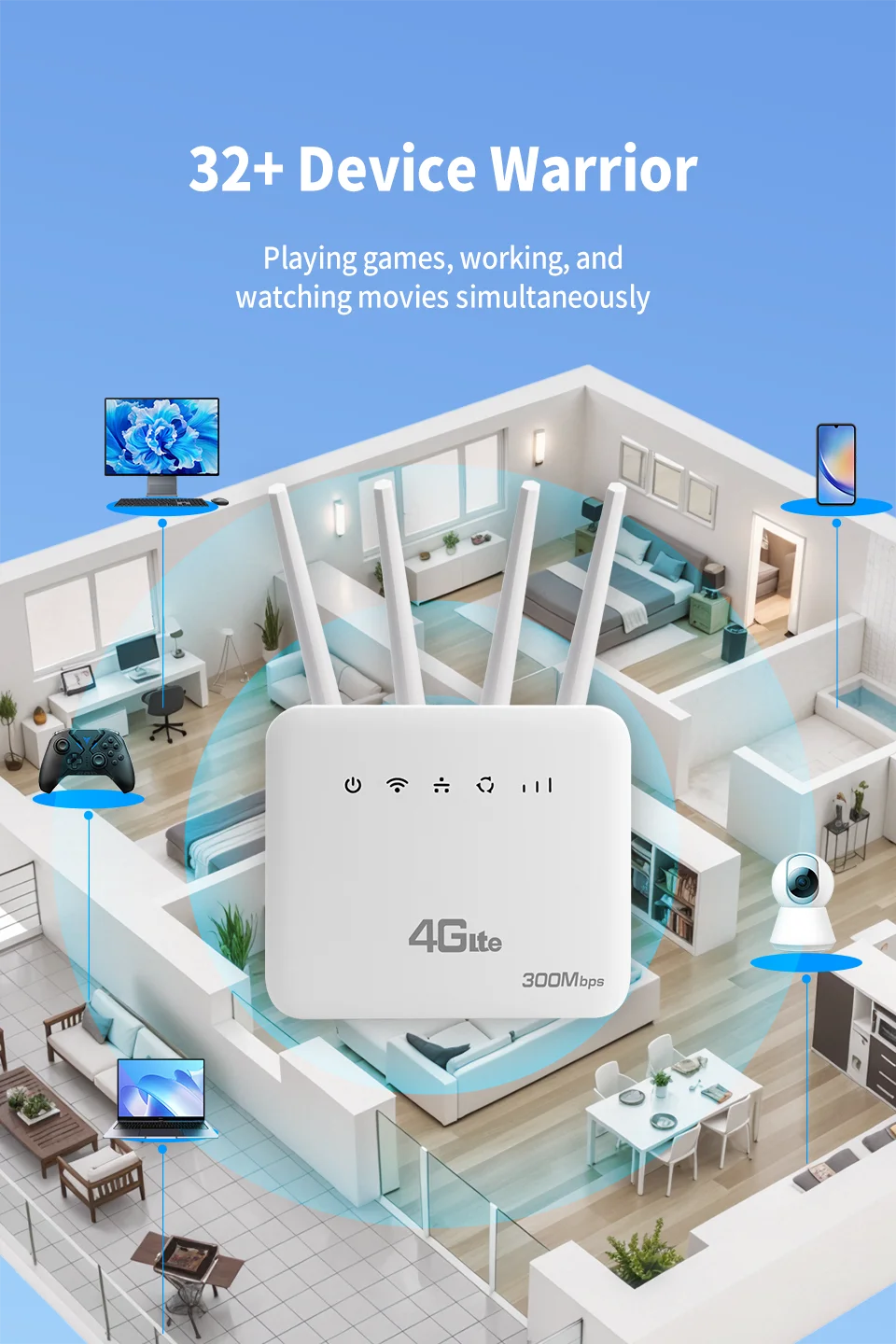
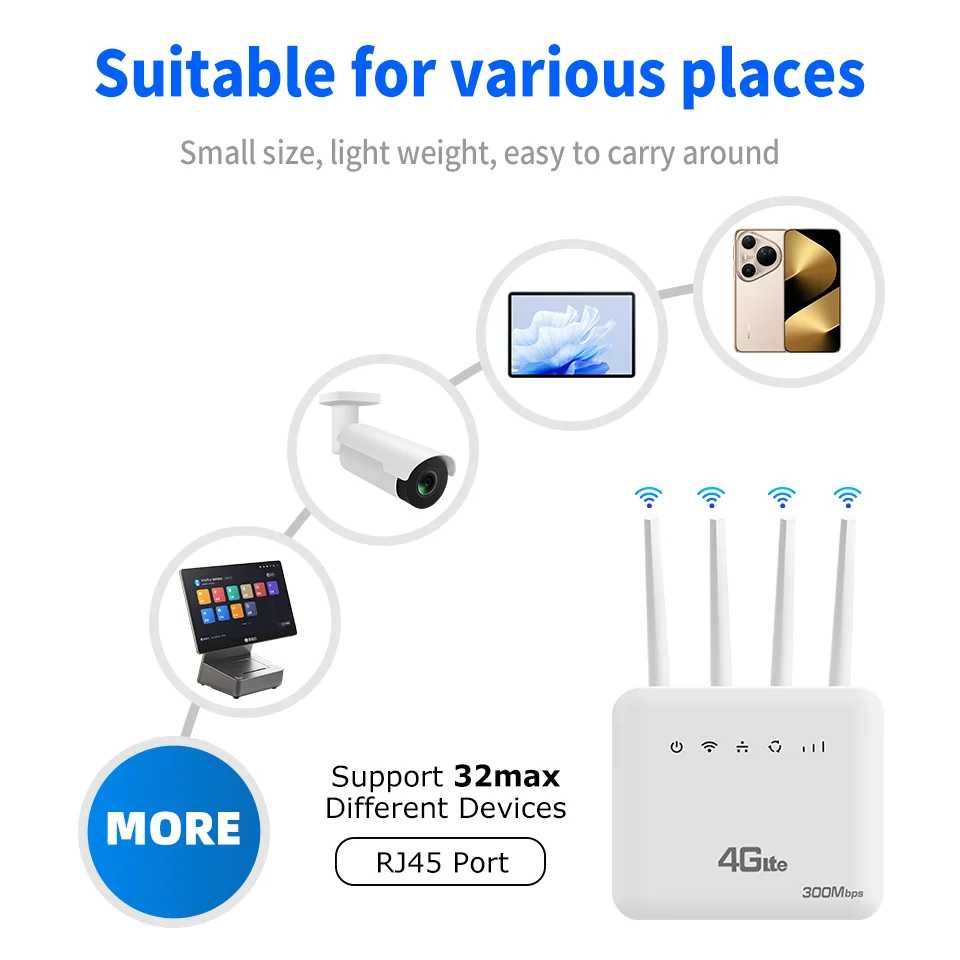
Multi-Device Connectivity:Supports up to 32 devices simultaneously, making it perfect for sharing internet access with family or colleagues.
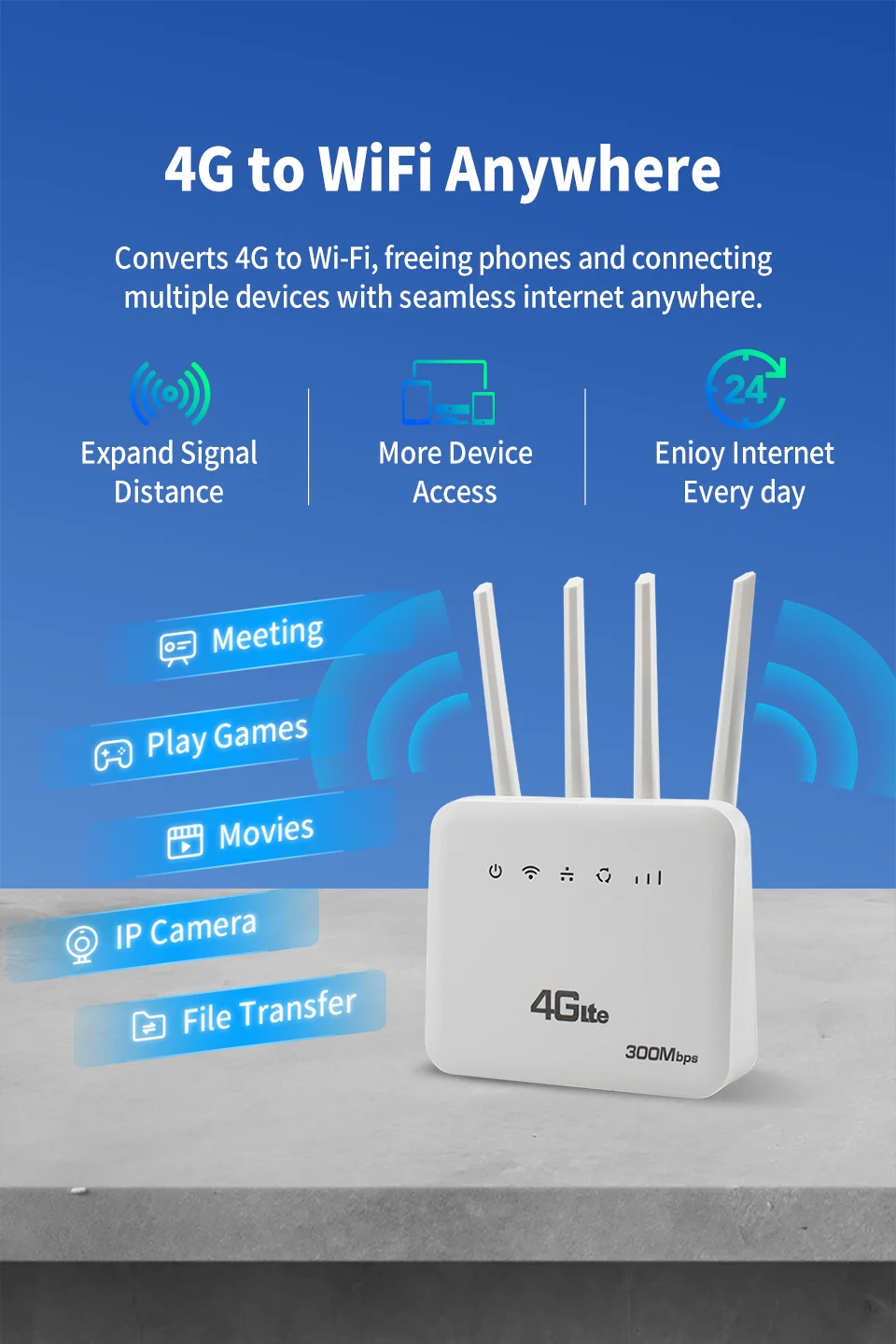
High-Power Signal Booster:Features four antennas and a booster, amplifying the signal strength for better coverage and fewer dead zones.
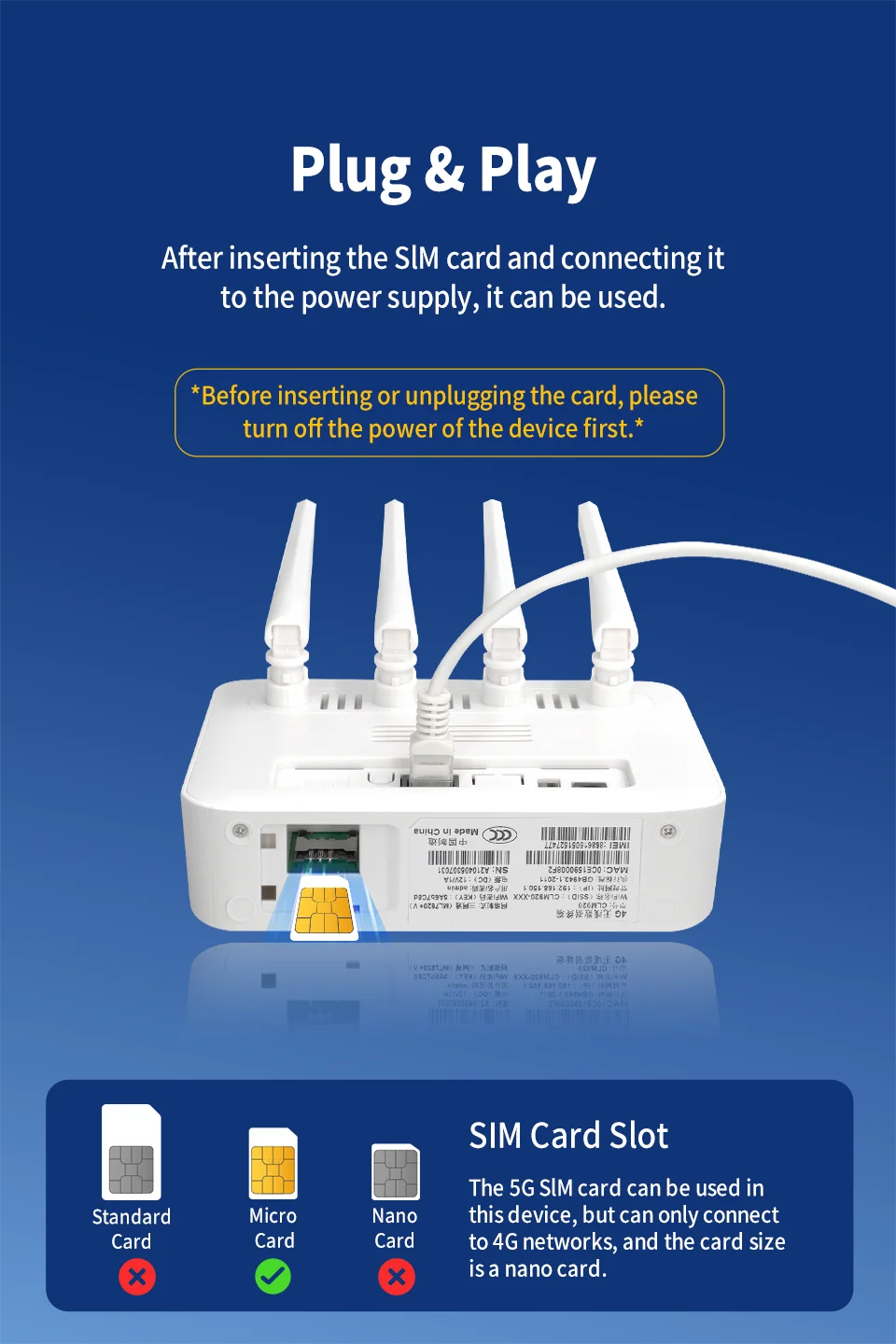
4G LTE SIM Card Slot:Supports 4G SIM cards, ensuring a stable and fast mobile internet connection on the go.
Multi-Band Support:Compatible with various 4G bands, this router is ideal for international travel and diverse network environments.
Xunyou Link|Router|WiFi 6 Technology:Equipped with WiFi 6, this router delivers faster speeds and enhanced performance for seamless internet connectivity.
Product features:
4G to WIFI, 4G to LAN
Supports LAN ports
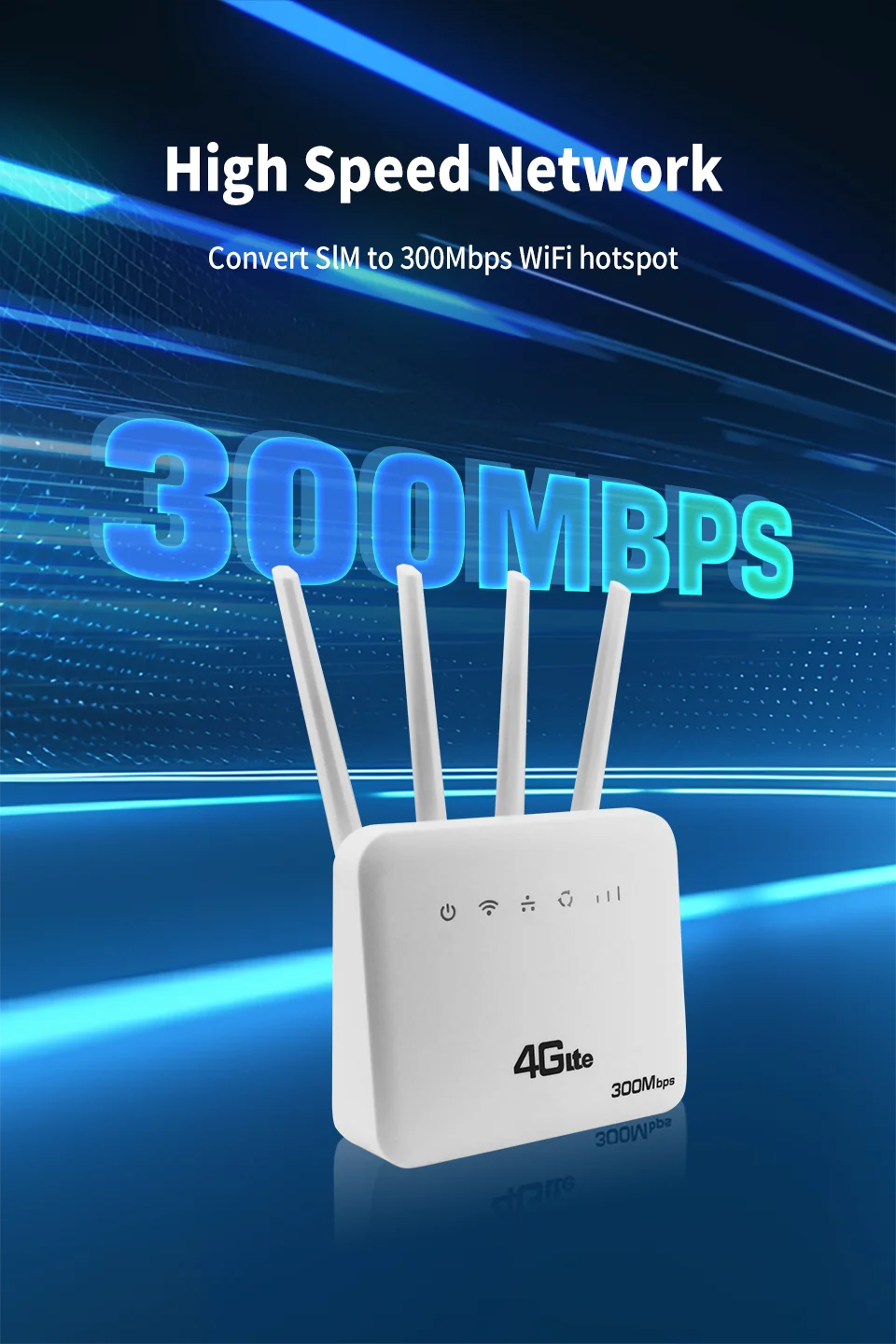
DL 300Mbps,UL 150Mbps
Supports IPV4/IPV6
2.4G, WIFI speed: 300Mbps
Up to 10 devices can be accessed
SSID broadcast function, supporting hidden WIFI
Port filtering, port mapping, watchdog
Supports locking frequency bands
Support FOTA remote upgrade function
Supports TCP/UDP/PPP/HTTP/NITZ/NDIS/NTP/HTTPS/PING/PAP/CHAP
Supporting frequency bands
FDD LTE: B1/B3/B7/B8/B20/B28
TDD LTE:B38/B40/B41
WCDMA:B1/B8
What can you gain
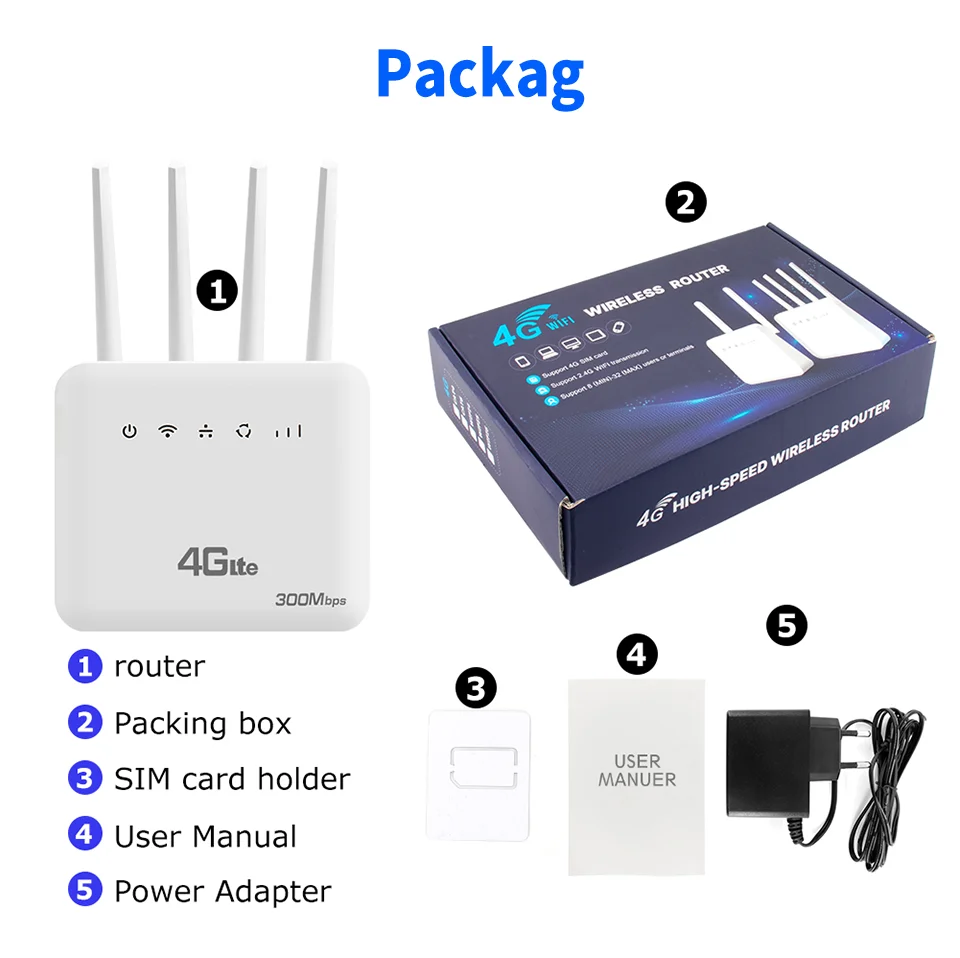
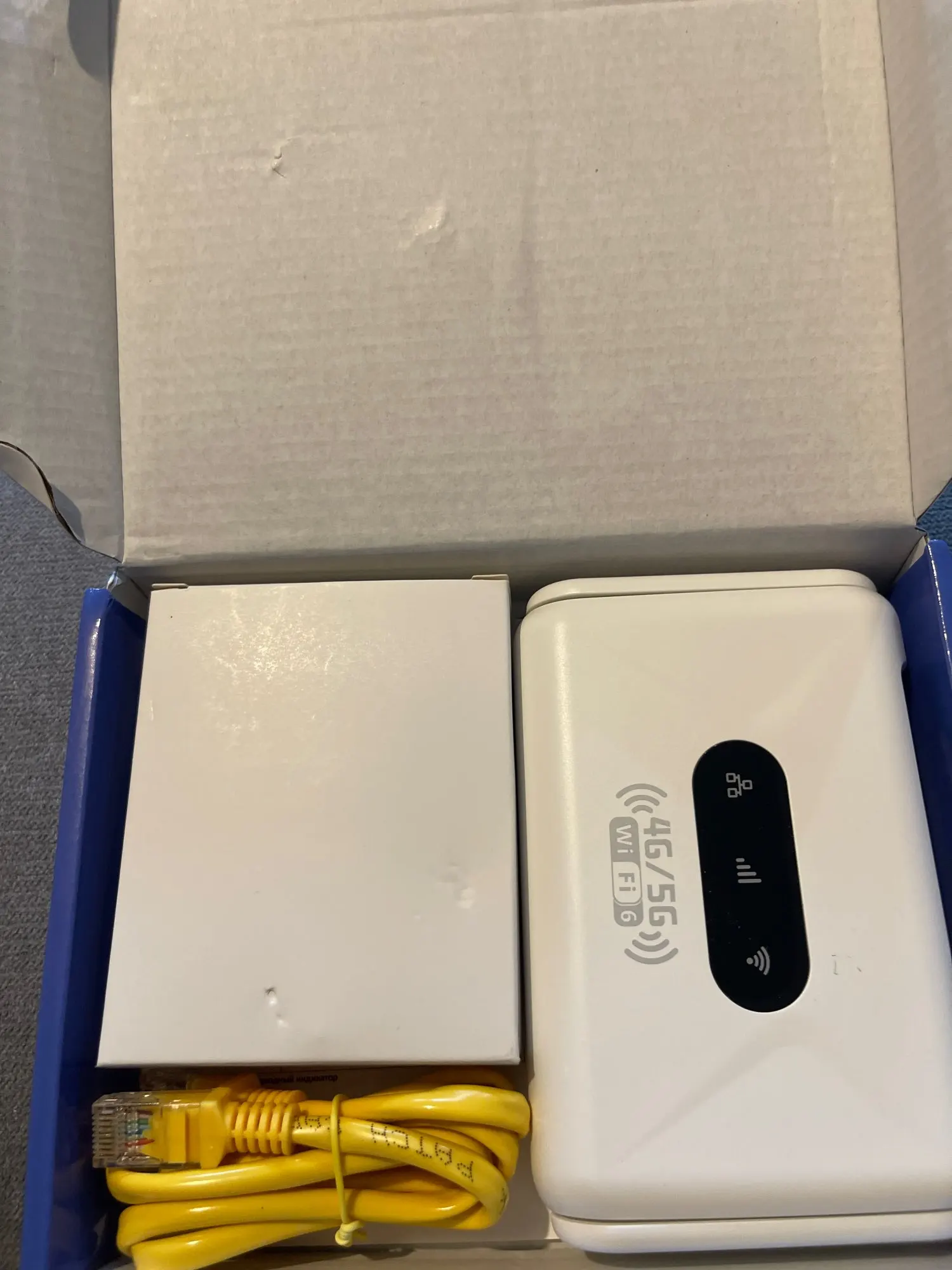
1*Mobile WiFi router
1*Power adapter(EU,AU,UK,US,optional)
1*Network cable(1M)
1*English manual
1*SIM card holder
Support modifying IMEI number
Enter in the browser address bar http://192.168.1.1/sid.html Press enter, enter the IMEI number to be changed, click SET to change, and if the change is successful, it will prompt OK.
FQA:
Q: What is included in the package?
A:1× Router host;1× EU DC Power;1× Network cable (1 meter);1× English manual
Note: This package does NOT include a SIM card.
Q: What is the router’s maximum speed?
A: The router’s maximum theoretical wireless WiFi speed is 300 Mbps.
FDD-LTE (DL/UL): 150 Mbps / 50 Mbps
HSPA+ (DL/UL): 21 Mbps / 5.76 Mbps
Note:
The router’s speed parameters are laboratory-tested theoretical values. Actual network speeds are not fixed and may vary every second. Internet distribution via the SIM card depends on environmental factors (e.g., signal strength, interference), causing significant speed differences. For real-time speed data, check the web management interface homepage.
Q: How to set up internet quickly?
A:Confirm SIM card validity (band compatibility & active data plan).
Insert the SIM into the router's slot (ensure correct orientation).
Connect the power supply and wait for system recognition (~1-2 minutes).
Connect to the router's WiFi and enter the password (found on the router's bottom label).
Verification method:
Use a WiFi-connected device to log in to the router's web management interface.
Check the status icon in the top-right corner:
Red "X" = Network error. Red SIM icon = SIM not recognized. All blue = Normal operation.
Note: The device MUST be connected to the router's WiFi to access the web interface. 90% of issues can be self-diagnosed via the interface. After configuration changes, reboot the router and reconnect to WiFi.
Q: Is it compatible with any SIM card?
A:The router supports full-frequency coverage in Europe/Asia/Africa and works with standard SIM cards from all carriers.
Does NOT support contract-bound SIM cards (locked to specific devices or inactive).Verify band compatibility between the router and SIM card using the global frequency chart.
Tip: Use mainstream SIM cards from large carriers to minimize manual configuration (some regional carriers update bands frequently).
Q: What if I forgot the username and password? (How to reset the router?)
A: If you forget your username/password or encounter errors preventing access to the web management interface, press and hold the reset button on the device for 10 seconds (while powered on). Release the button to restore the router to factory default settings.
Q: Can’t find the router’s Wi-Fi signal?
A:*Connect a computer to the LAN port via network cable.
*Log in to the router’s management interface, navigate to Advanced Settings -> WLAN Settings -> WLAN Basic Setup, and ensure the WLAN function is enabled.
*If no computer is available, reset the router (see previous question).
Q: Router lights are on with data transmission, but the speed is slow?
A:Network speed varies due to peak-hour congestion or signal interference in crowded areas.
Optimize speed by:
Placing the router near a window or in a strong signal area.
Avoiding obstacles or interference sources (e.g., microwaves, refrigerators, thick walls).
Reducing distance between devices and the router.
Q: Can I modify the IMEI number?
A: Support modifying IMEI numbers,
1. Log in to the router backend (WEBUI)
2. Enter in the browser address bar http://192.168.1.1/sid.html Press enter, enter the IMEI number to be changed, click SET to change, and if the change is successful, it will prompt OK.